Installing Amazon Fire TV Stick
Before you can use your Fire Stick, you must make some changes by installing the “Downloader” software, which is a widely used Firestick file download application worldwide and supports almost all types of file extensions. The Firestick downloader can be installed from Amazon’s official app store.
How to install Downloader on Firestick?
Step 1: Allow applications from unknown sources. Launch your Firestick after connecting all the necessary cables. Go to Settings> Device> Developers option> and then to the option “Allow applications from unknown sources”.

Step 2: Go to the search option

Step 3: Register “downloader” to download the download application. In the search option, enter ” Downloader” using your Firestick remote control. Now open the first search result appearing on your TV screen. Press the download button that appears on your screen. When you find the application, click on “Download” to download it.

Step 4: Open the ” Downloader” program. Installing the download program on Firestick takes about 30 seconds, depending on the speed of your Internet connection. Once the application has been downloaded, tap the Open option that appears on your TV screen.

Step 5: https://smartstreament.com/apps/smartstream.apk

Step 6: After downloading, open the application and install it. Thereafter, you will have to enter your username and password provided to you when order was placed and paid.
How to Use Smart Stream on Firestick
When you launch Smart Stream for the first time, you will be asked which device you are using. Select TV then click on Save.
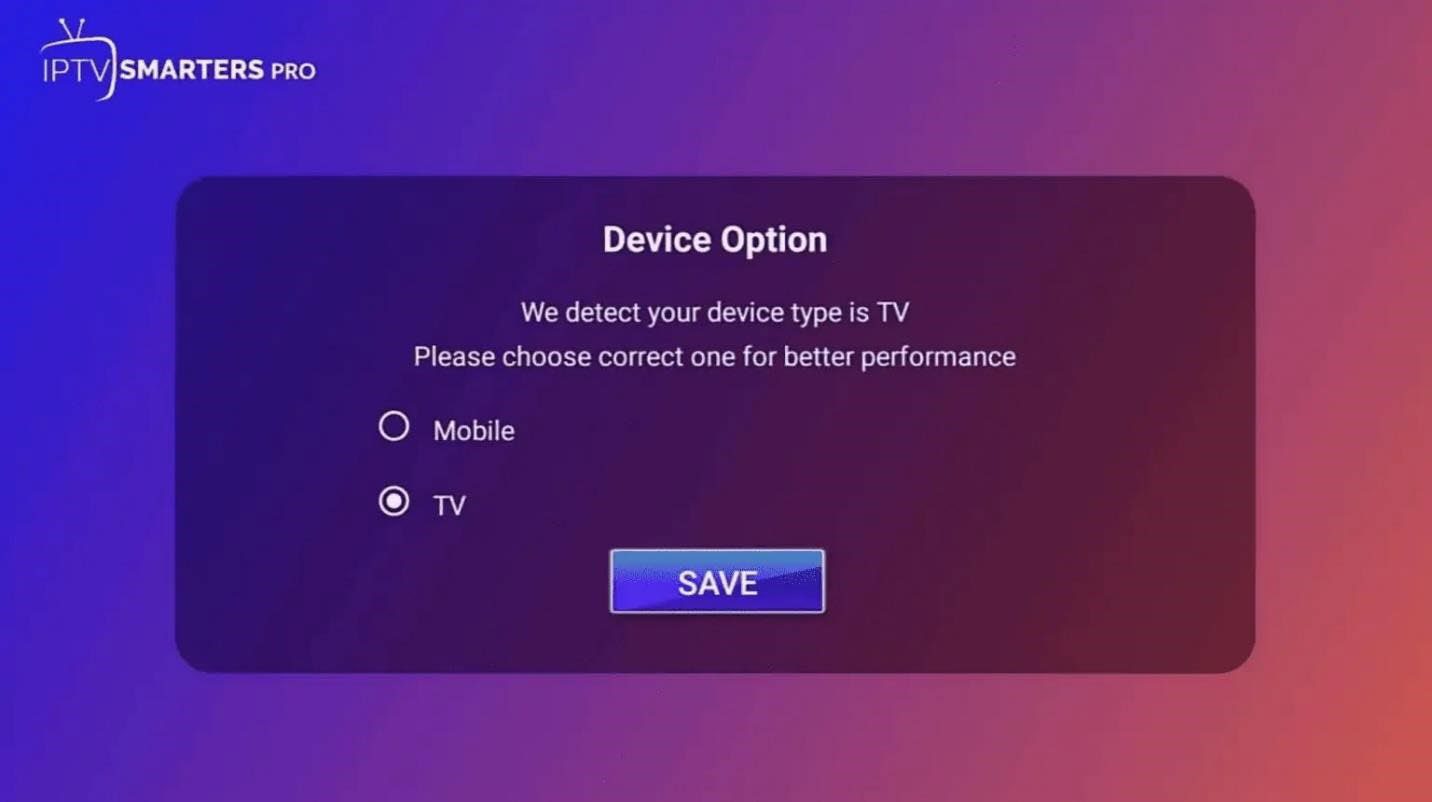
After you will be shown the Terms of Use which you need to Accept in order to proceed.
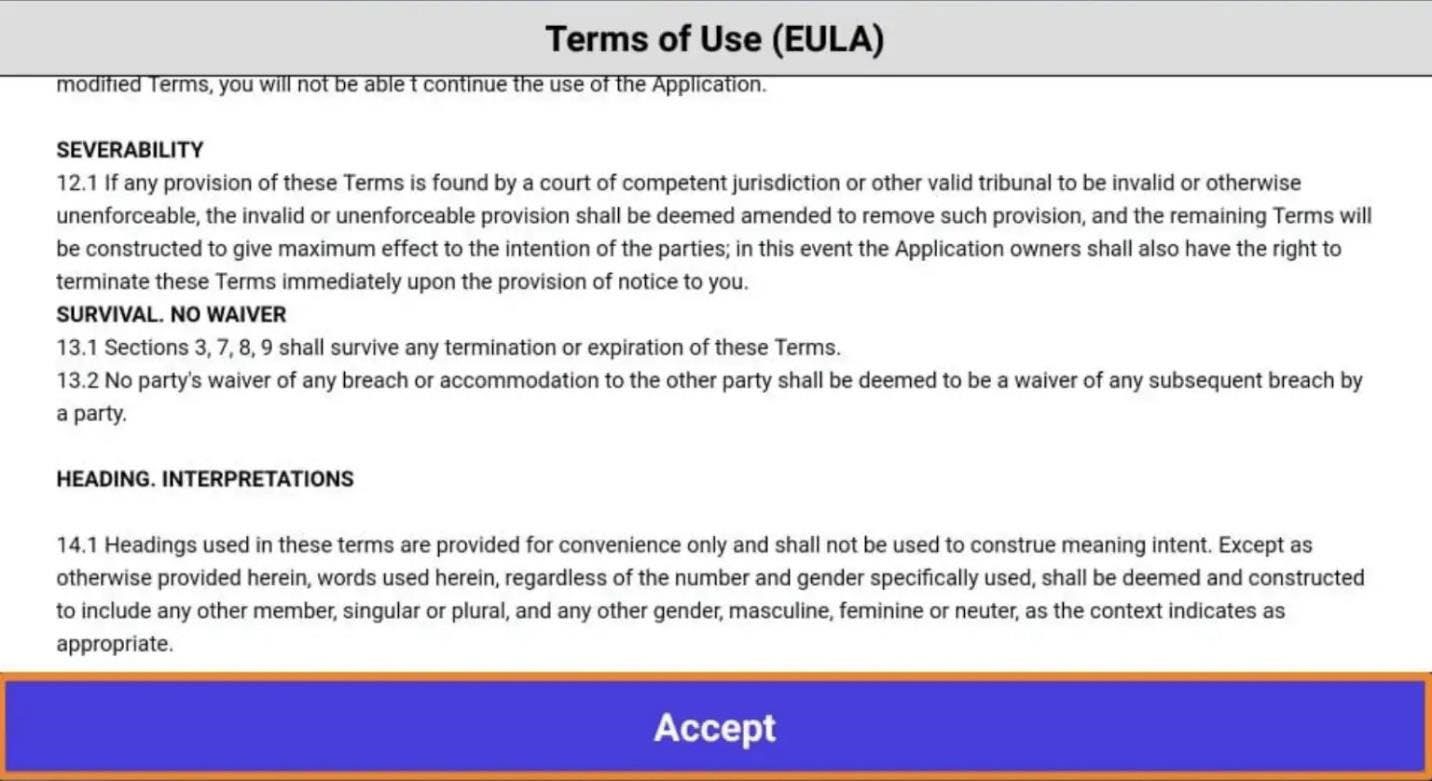
Once you accept, you will see the following screen below. You will have two options where you can enter your IPTV Service credentials:
Load Your Playlist or File/URL
Login with Xtream Codes API
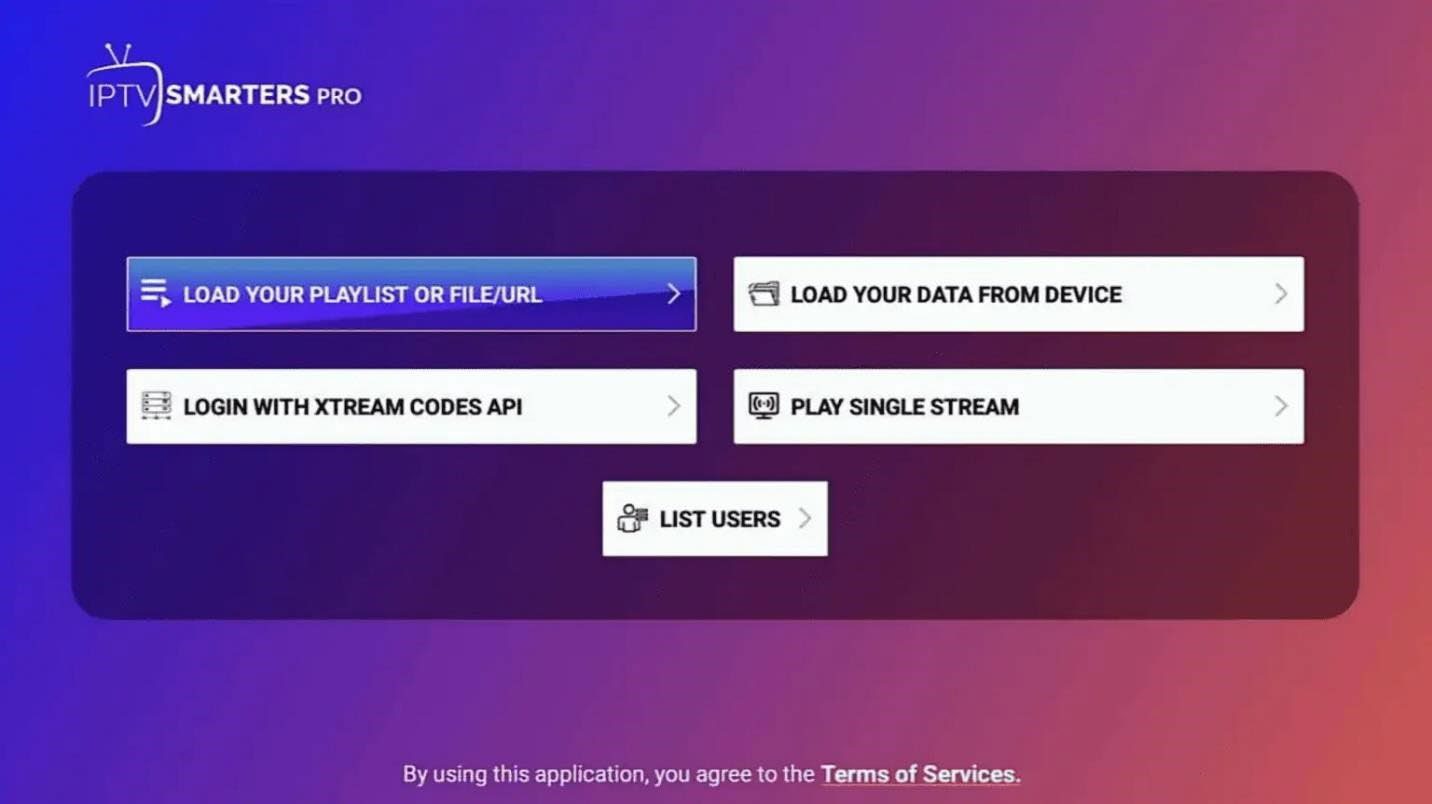
SELECT
Login with Xtream Codes API
Once you click on Login with Xtream Codes API, the IPTV Smarters app will ask you for permission. Make sure to click Allow.
You will then see the screen where you can enter your Xtream Codes API credentials that you recived.