Download Smarters Player Lite (here) or from your app store.
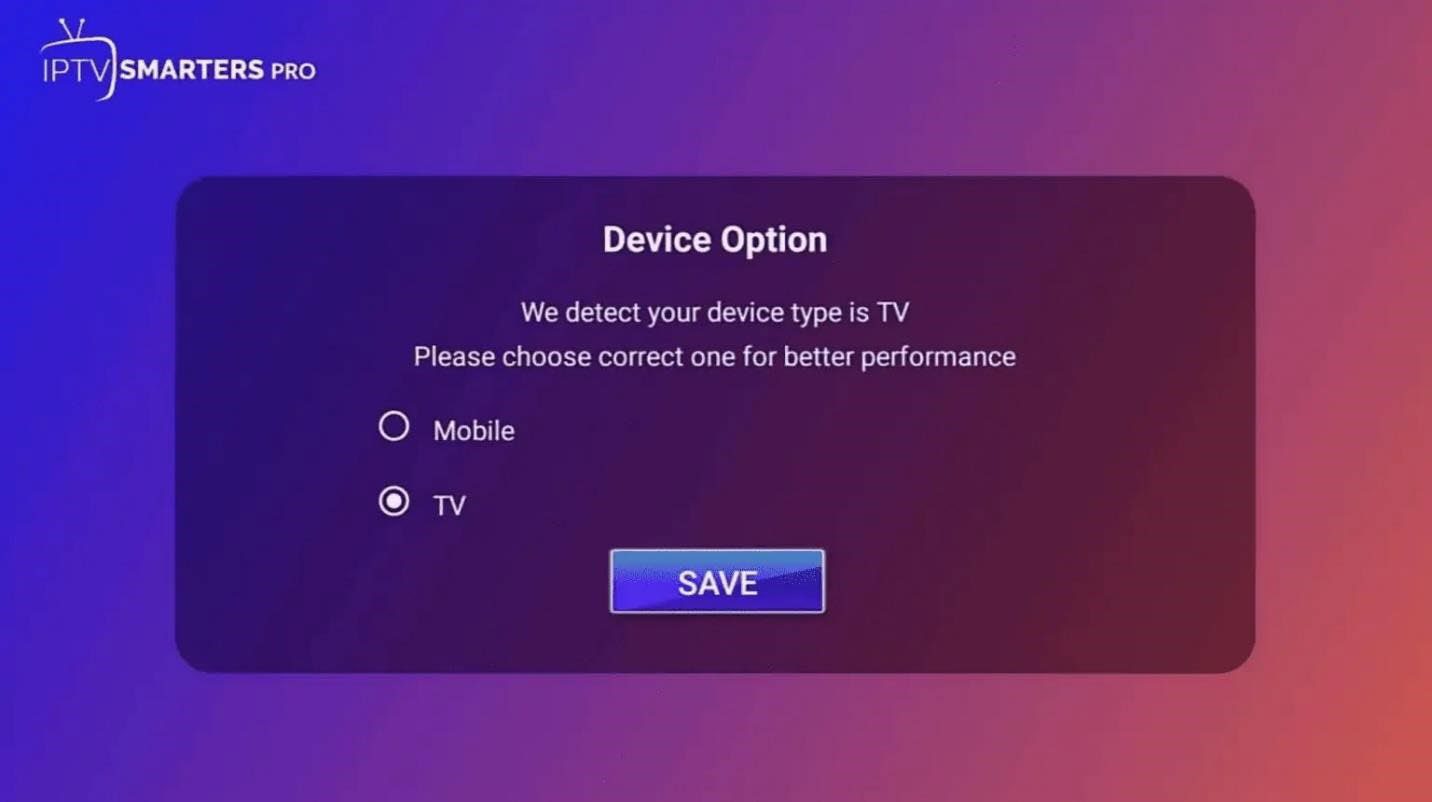
When you launch IPTV Smarters for the first time, you will be asked which device you are using. Select mobile then click on Save.
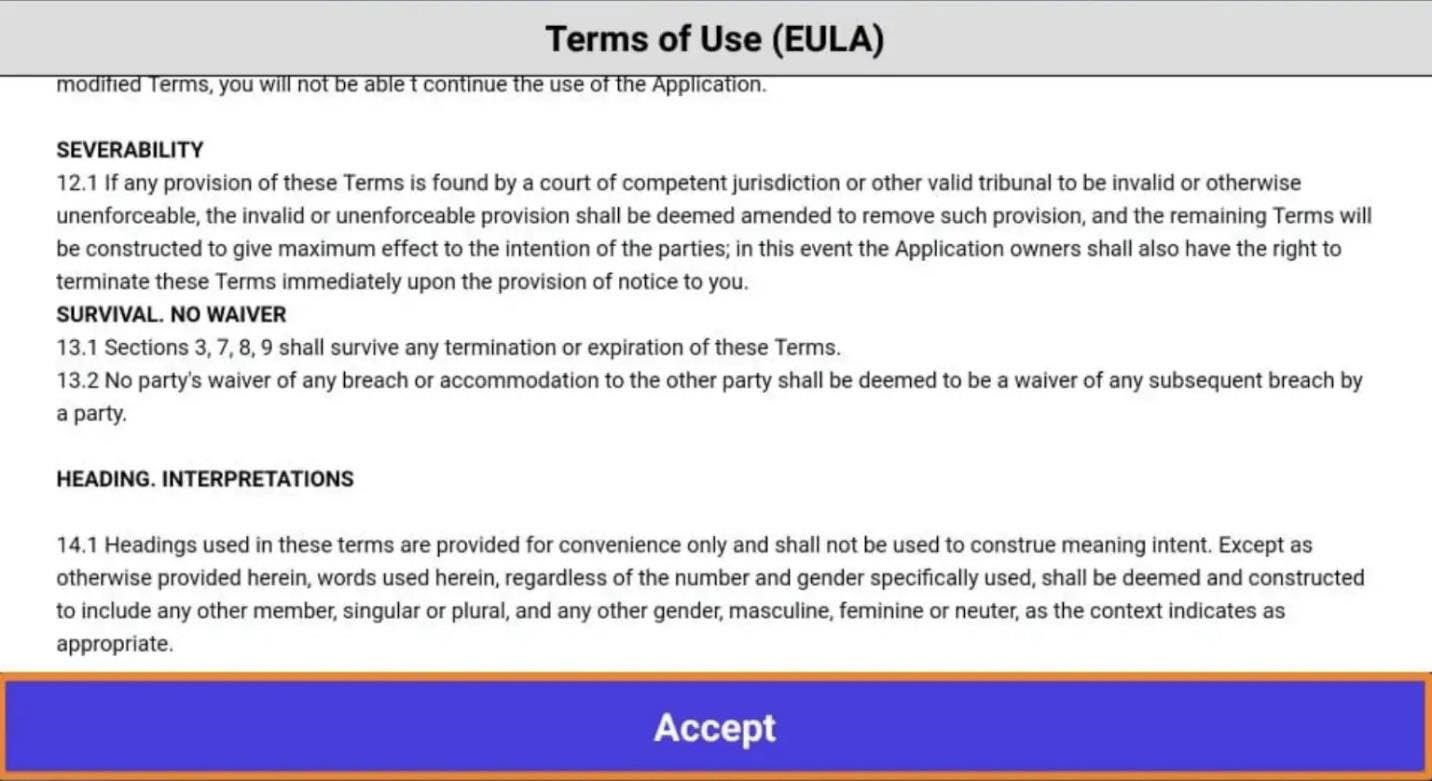
After you will be shown the Terms of Use which you need to Accept to proceed.
Once you accept, you will see the following screen below. You will have two options where you can enter your IPTV Service credentials:
Load Your Playlist or File/URL
Login with Xtream Codes API
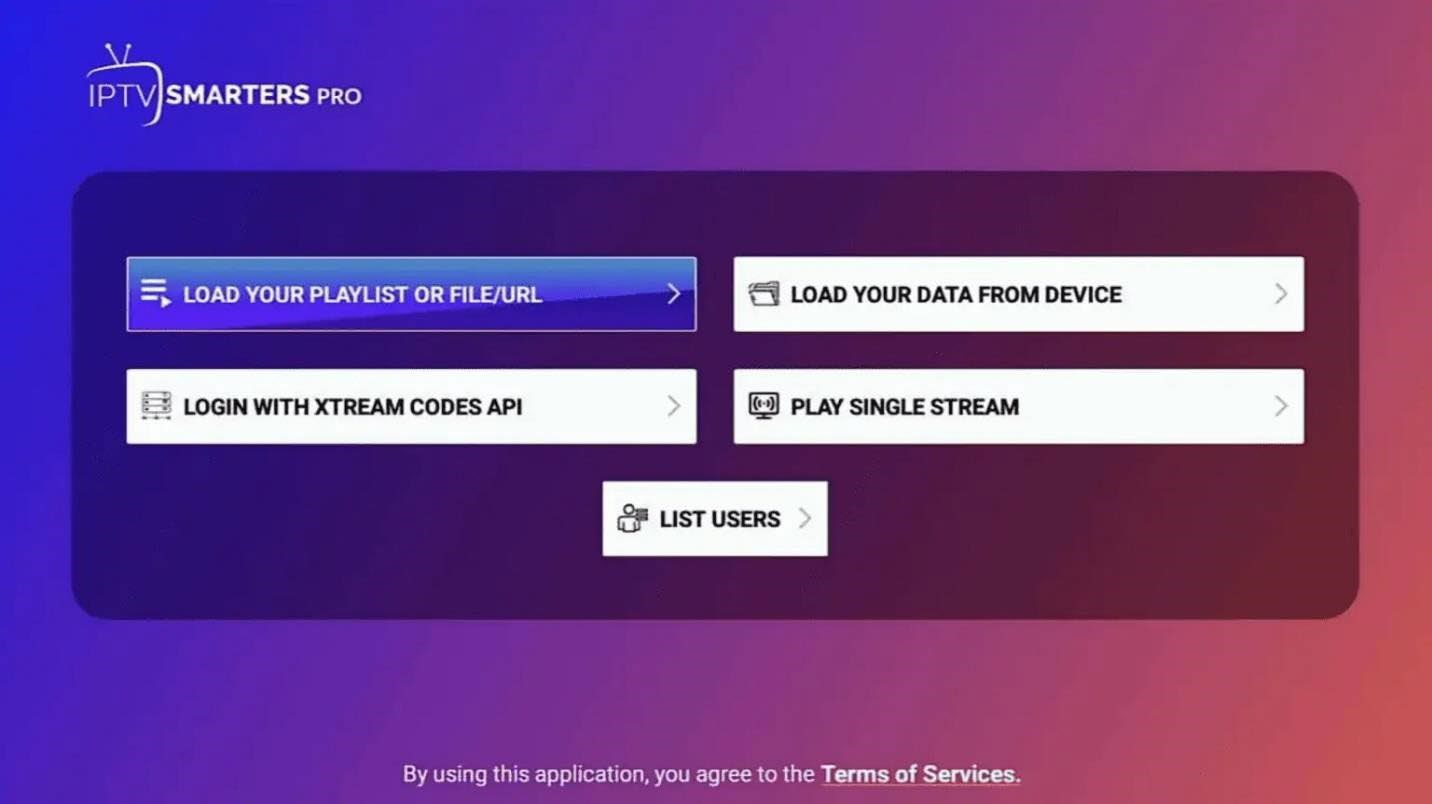
SELECT Login with Xtream Codes API
Once you click on Login with Xtream Codes API, the IPTV Smarters app will ask you for permission. Make sure to click Allow.
You will then see the screen where you can enter your Xtream Codes API credentials that your IPTV Service sent to you.
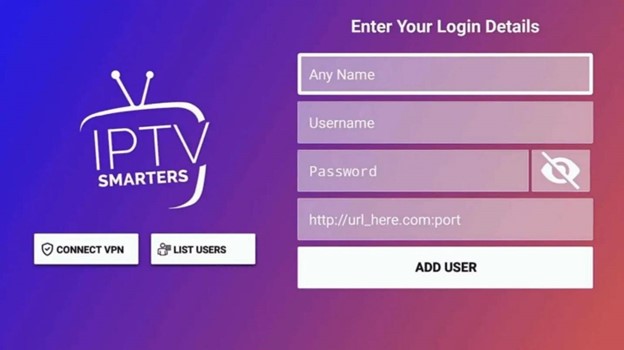
The Xtream Code API credentials should include a username, password and URL with a port number. Make sure to enter all of these exactly as is in the appropriate section. For Any Name, you can name the playlist anything you want. You can just go with the name of your IPTV Service. Once you enter all of your credentials and add a name, click on Add User.